> For the complete documentation index, see [llms.txt](https://docs.artar.es/project-creation/llms.txt). Markdown versions of documentation pages are available by appending `.md` to page URLs; this page is available as [Markdown](https://docs.artar.es/project-creation/working-with-a-group.-randomization.-camera-rotation..md).
# Working with a group. Randomization. Camera rotation.
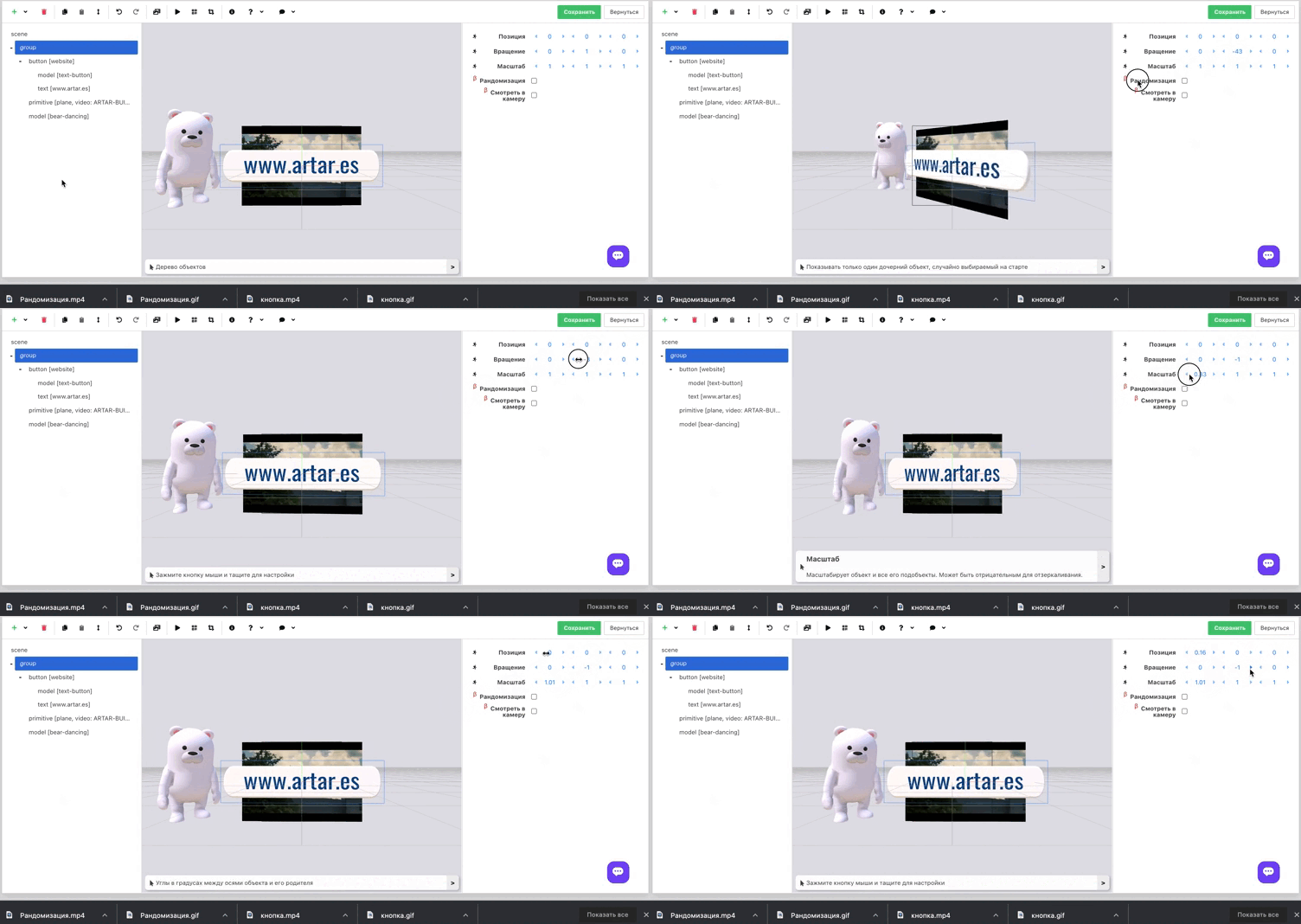
**Group (group)** – a type of object intended to be the parent for objects nested within it.\
Without nested objects it is invisible and meaningless.\
You can set position, rotation and scale properties.\
A group is necessary for convenient management of the objects nested inside it.
You can nest anything in a group, including other groups.\
The exception is the background.
**Two unique functions are implemented in the group:**\
\- randomization;\
\- look at camera.
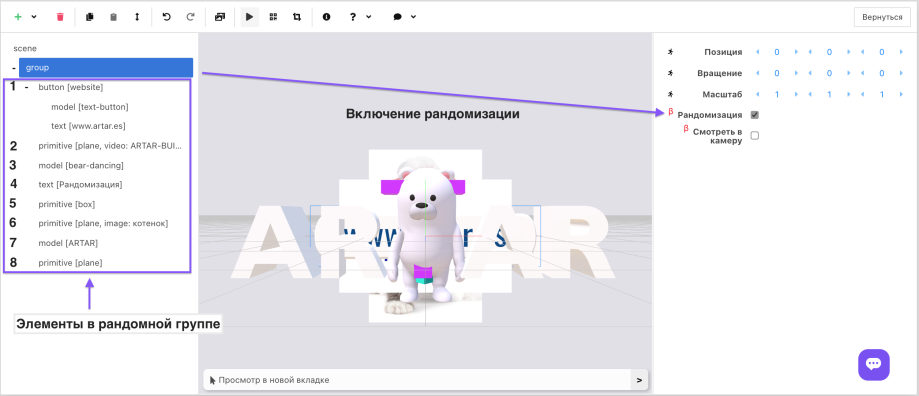
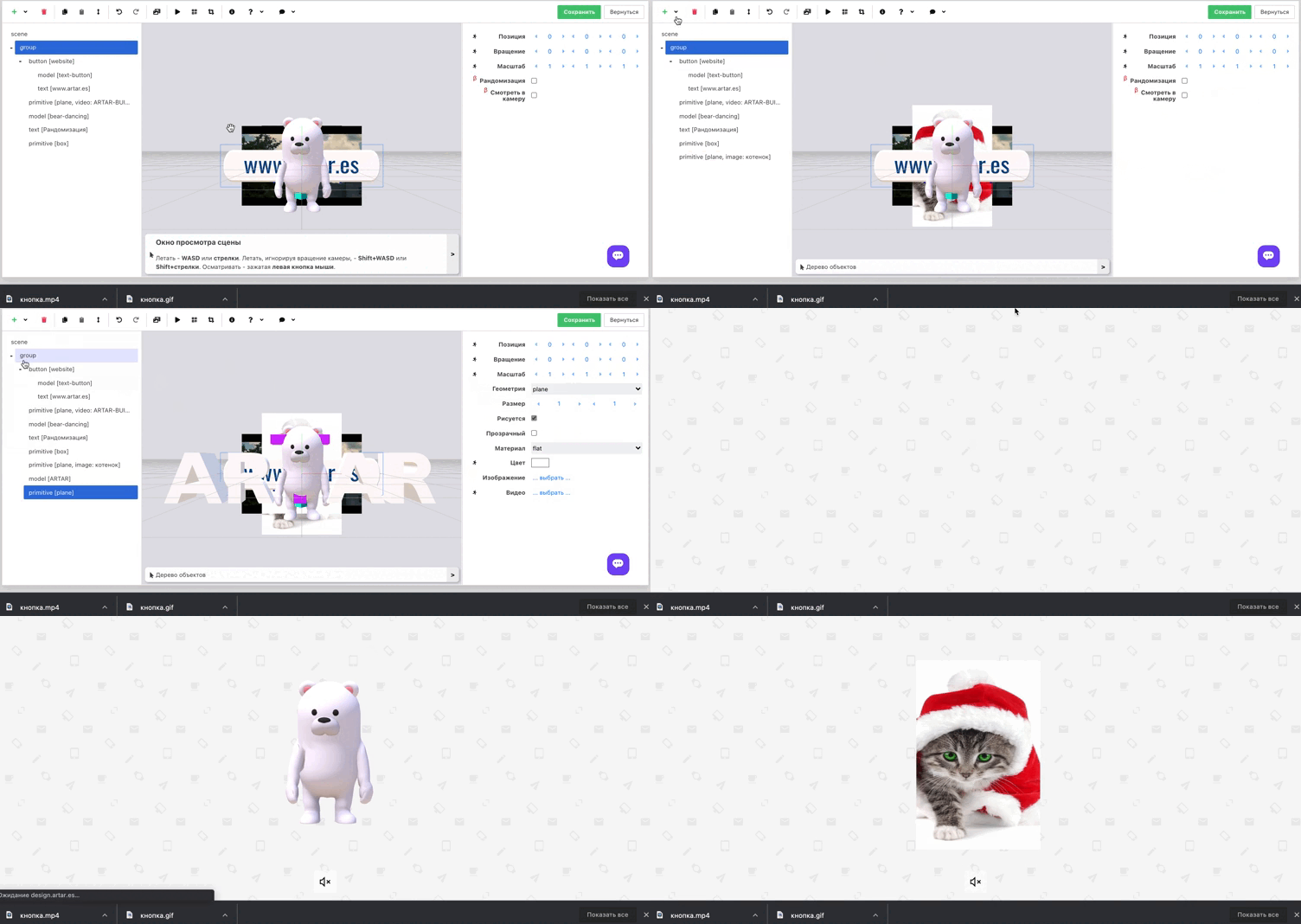
**Randomization** allows randomly selected objects, groups of objects, or full scenes to be shown each time the project is opened.\
The number of objects that can be implemented in a group with randomization is limited only by the overall weight of the scene. There are no other restrictions.
Put into the group what you want to open in the AR layer, check the "Randomization" box and save the project.
**With this functionality you can create simple primitive games, organize giveaways, run promotions and much more.**
*Upon request we can quickly refine the functionality.* \
*For example, set a limit on the occurrence of a single object in the group and more.*
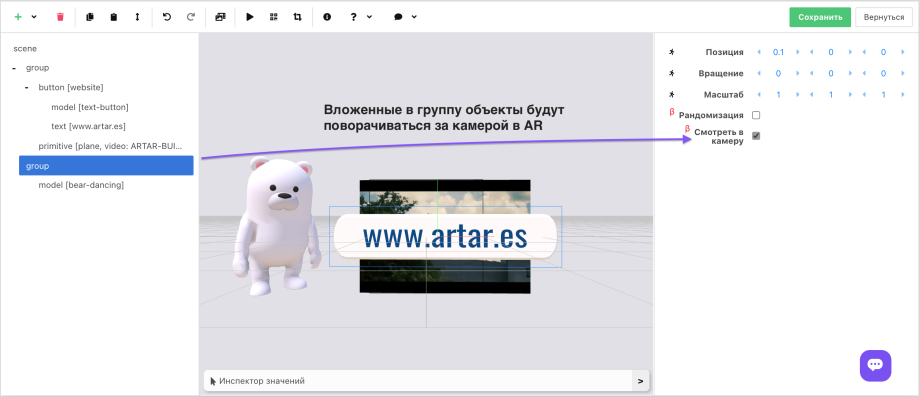
**"Look at camera" will allow you to rotate:**\
\- the model's eyes toward the camera;\
\- buttons for convenient pressing;\
\- video, for example, a person with the background removed (a hologram).
The functionality will allow you to create realistic and spectacular projects.