> For the complete documentation index, see [llms.txt](https://docs.artar.es/project-creation/llms.txt). Markdown versions of documentation pages are available by appending `.md` to page URLs; this page is available as [Markdown](https://docs.artar.es/project-creation/chroma-key-alpha-channel-materials..md).
# Chroma key, alpha channel, materials.
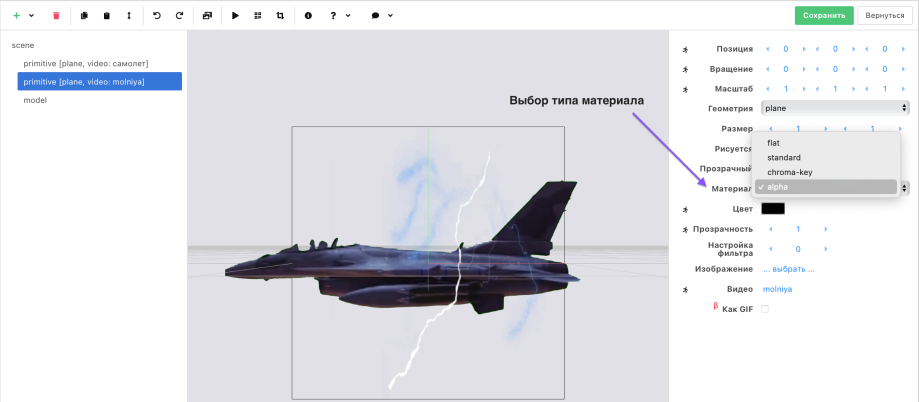
**Four types of material are available in the editor:**\
\- flat – "plain background";\
\- standard – applies highlights and shadows to the image;\
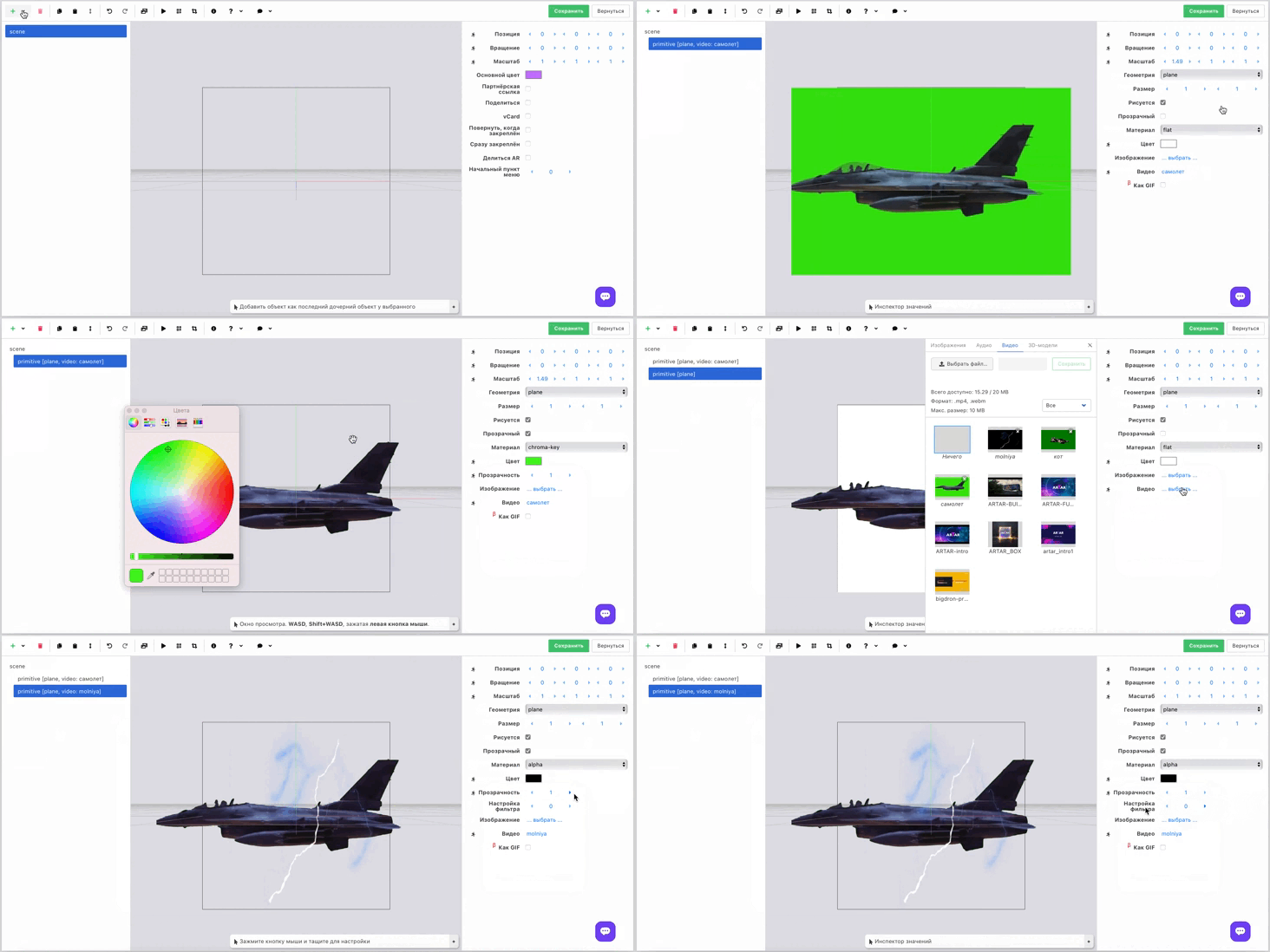
\- chroma-key – used to remove a real green or blue background filmed on video;\
\- alpha – for removing a background created in a video editor. Perfectly removes a black background. Allows creating fire effects, preserves neon glow when removing the background, and is applicable for other effects.
*The scene with the removed background looks more spectacular.*
Background can be removed in images and videos.\
If an image background is not removed correctly, use an external online resource or editor.\
For example this one .
For background flat, chroma-key and alpha are available.
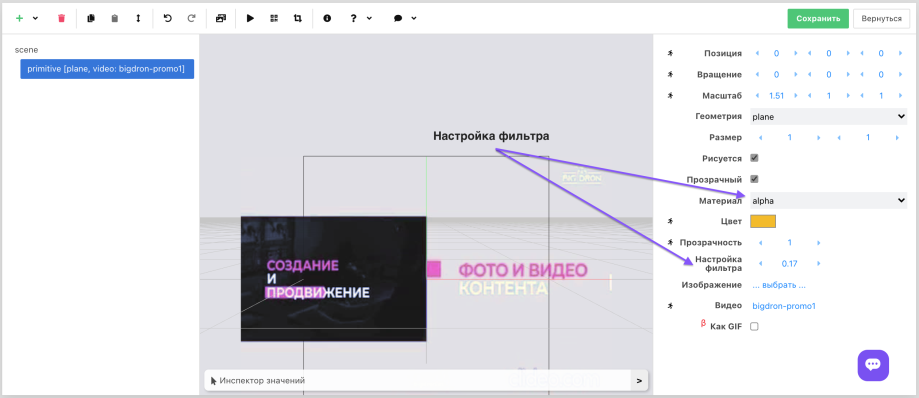
The alpha channel has fine adjustment. Use it if the object has artifacts or looks unrealistic after background removal.