> For the complete documentation index, see [llms.txt](https://docs.artar.es/project-creation/llms.txt). Markdown versions of documentation pages are available by appending `.md` to page URLs; this page is available as [Markdown](https://docs.artar.es/project-creation/adding-an-image-for-tracking.md).
# Adding an image for tracking
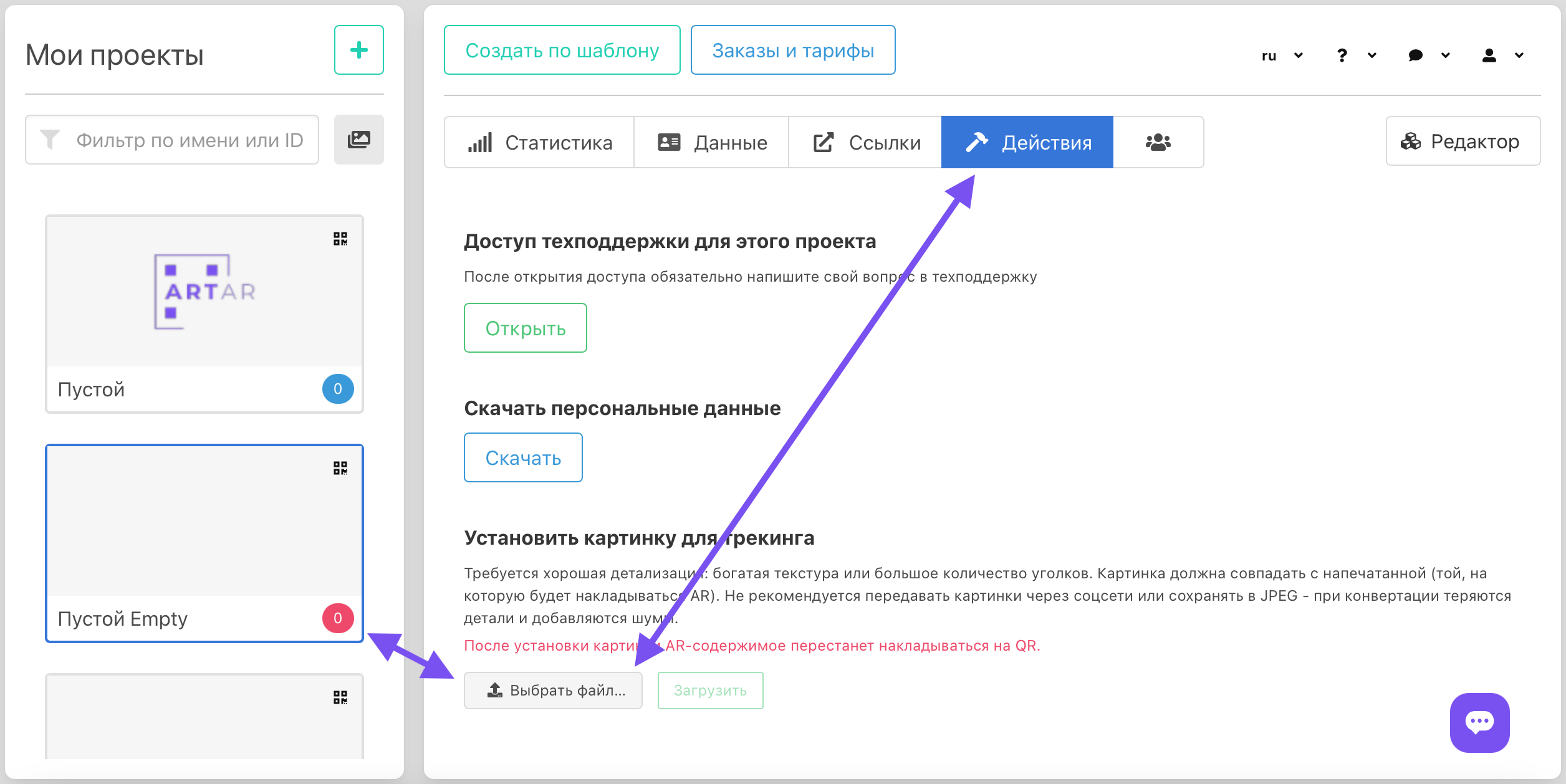
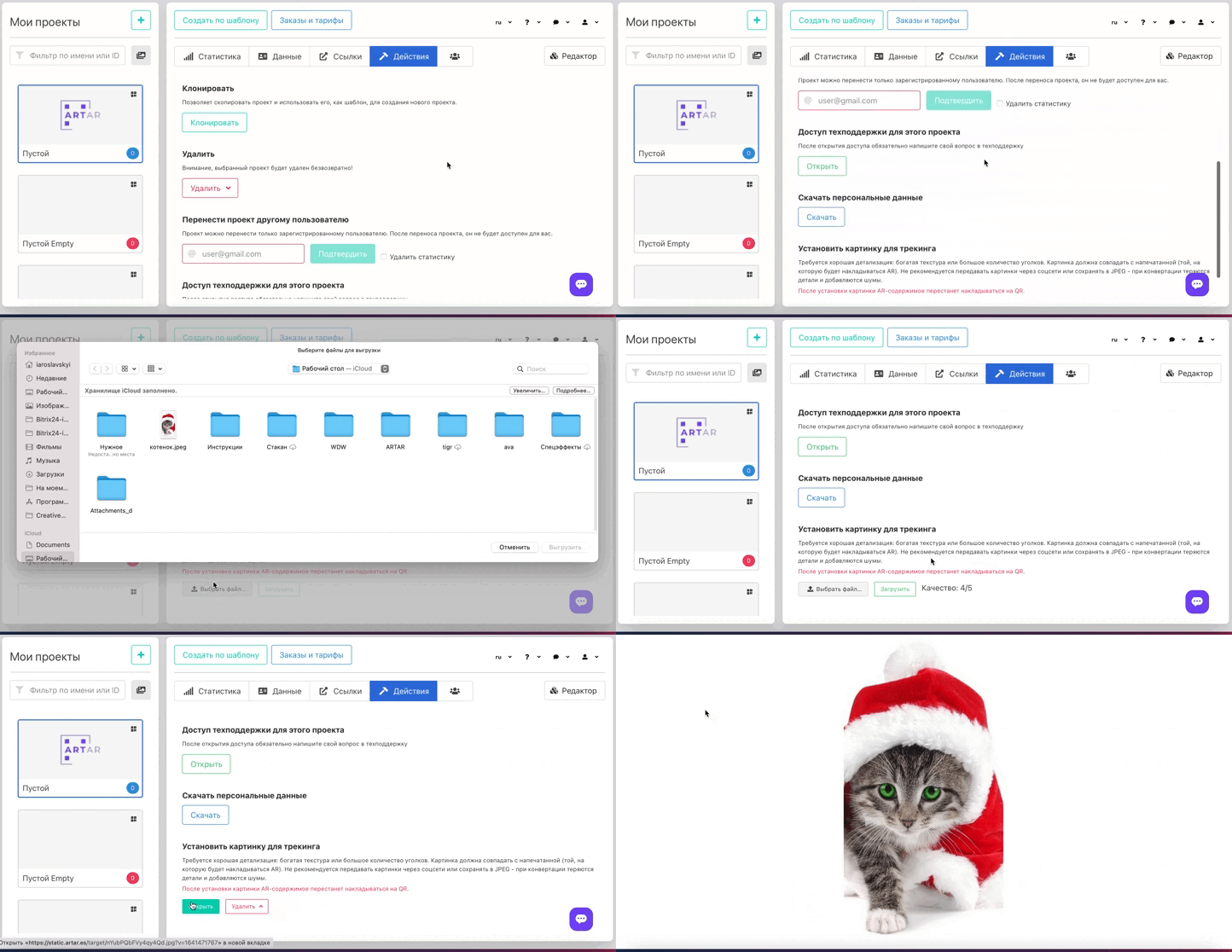
Select the project in which you want to mark the image. Choose and upload a file.
Good detail is required (a high-contrast image with many details and corners is ideal). The uploaded image must match the printed one (onto which the AR will be overlaid). It is not recommended to send images via social networks or messengers or save them as JPEG — conversion can lose details and add noise. Send the image as a file or compress it into an archive. Do not use an image with a transparent background. If the photo contains elements that will change (for example, snow or the background), it is better to remove them or replace them with a neutral background (for example white or light gray) in an image editor.
After adding the image for tracking, the AR layer will stop being overlaid on the QR code; however, the QR code and, accordingly, the project URL will not change.