> For the complete documentation index, see [llms.txt](https://docs.artar.es/project-creation/llms.txt). Markdown versions of documentation pages are available by appending `.md` to page URLs; this page is available as [Markdown](https://docs.artar.es/project-creation/switching-between-projects.md).
# Switching between projects
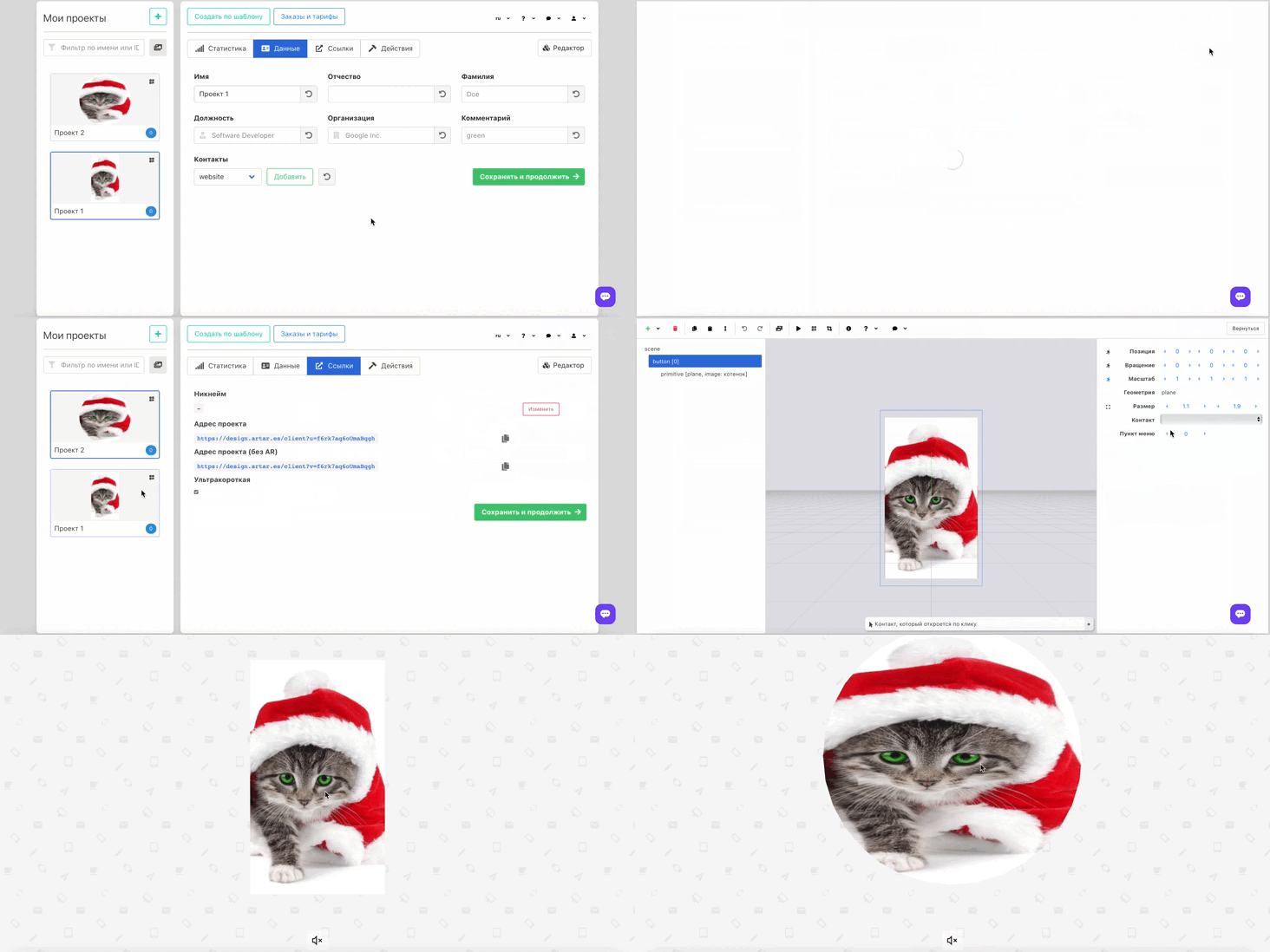
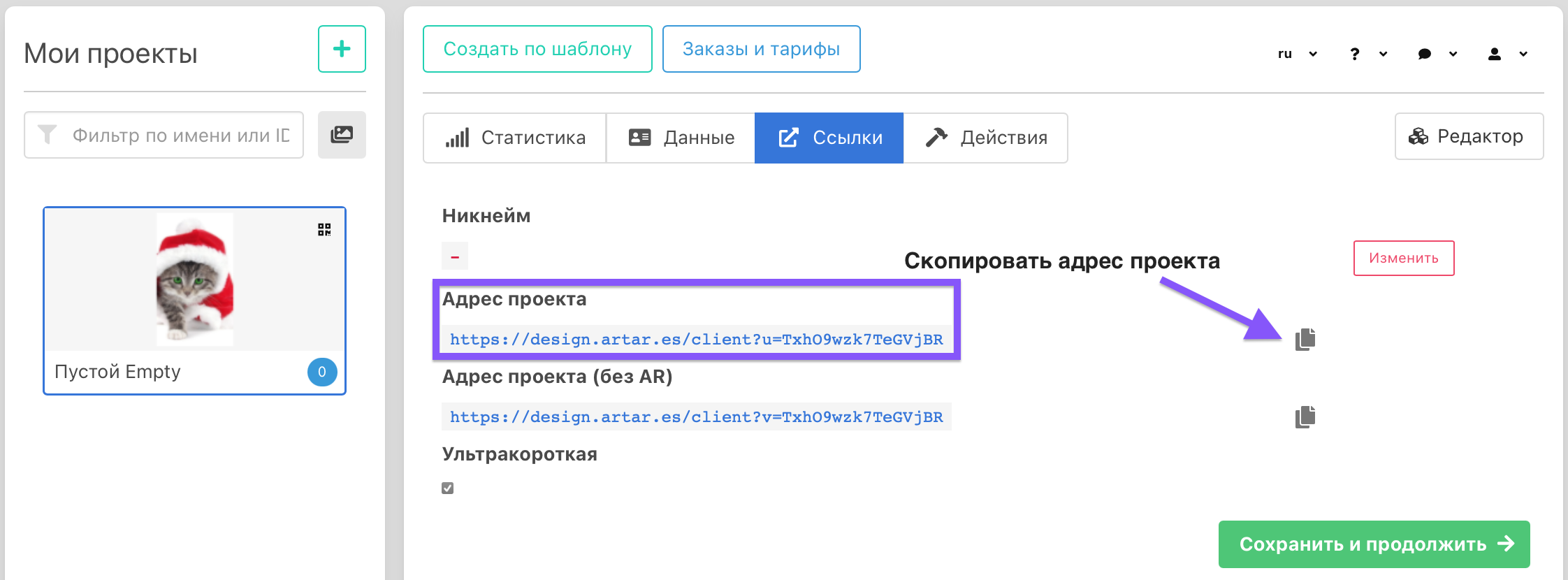
1. Copy the address of the project you want to navigate to when clicked.
2. Open the "Data" tab in the project you want to navigate from. Paste the link and create a button. If you need to go back (navigate from one project to another), duplicate the process in the same way.
You can create almost unlimited numbers of such transitions from one project to another.