> For the complete documentation index, see [llms.txt](https://docs.artar.es/project-creation/llms.txt). Markdown versions of documentation pages are available by appending `.md` to page URLs; this page is available as [Markdown](https://docs.artar.es/project-creation/working-with-text.md).
# Working with text
There are two options for the text that can be added to AR:
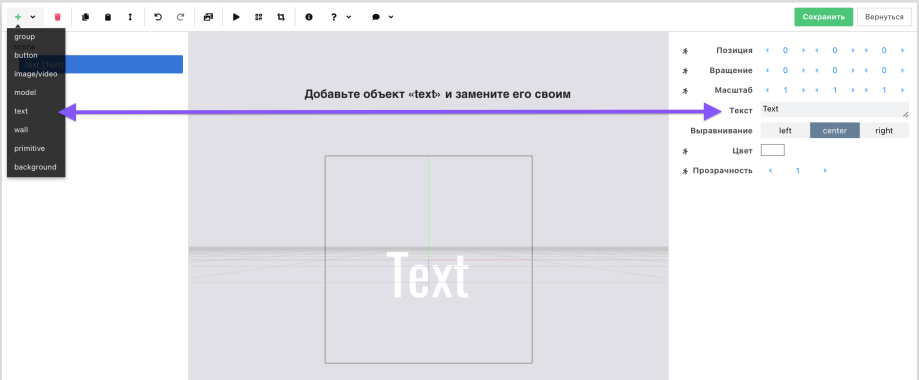
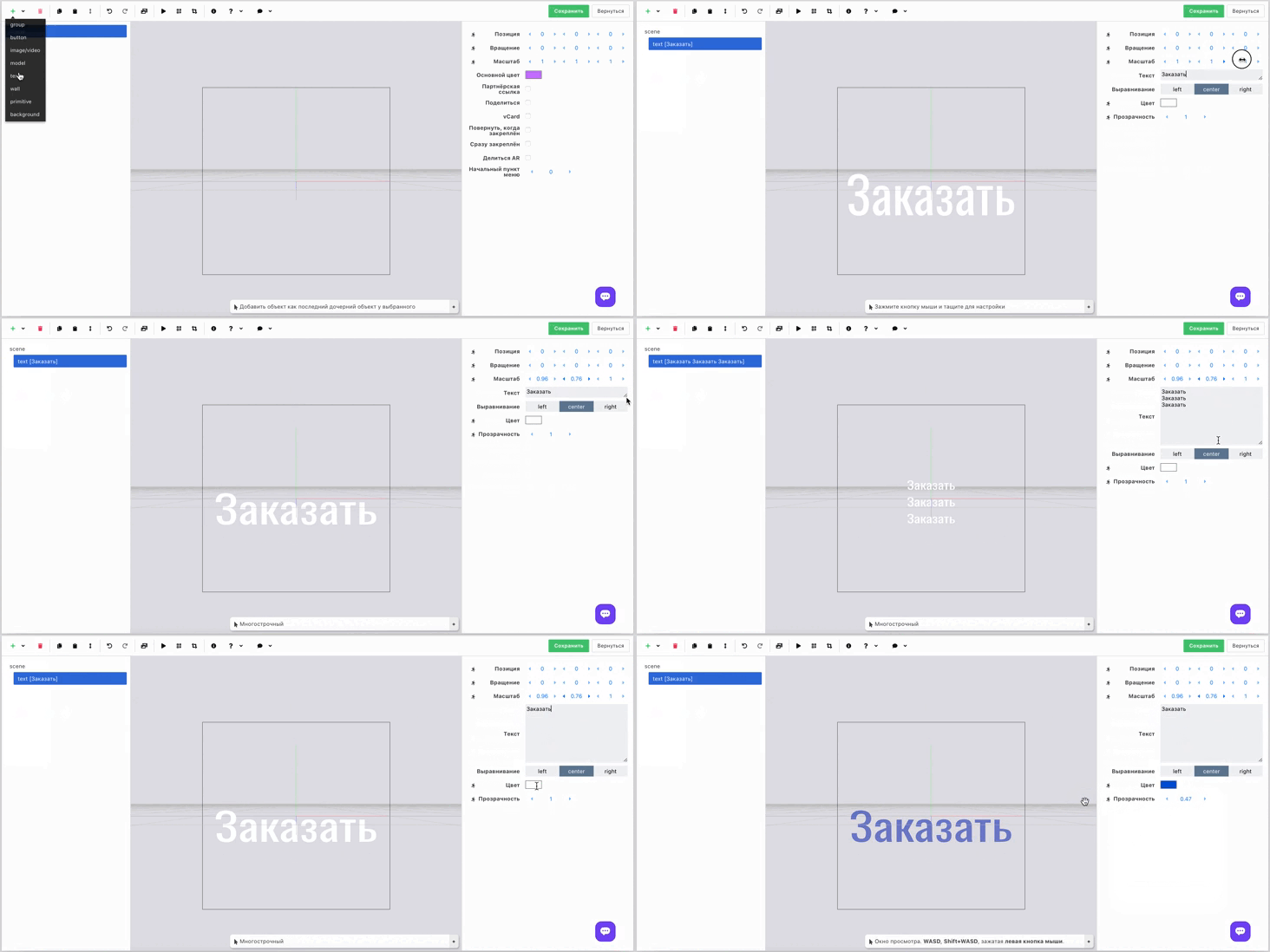
1. Add an object of type "Text" and type ordinary text (2D).
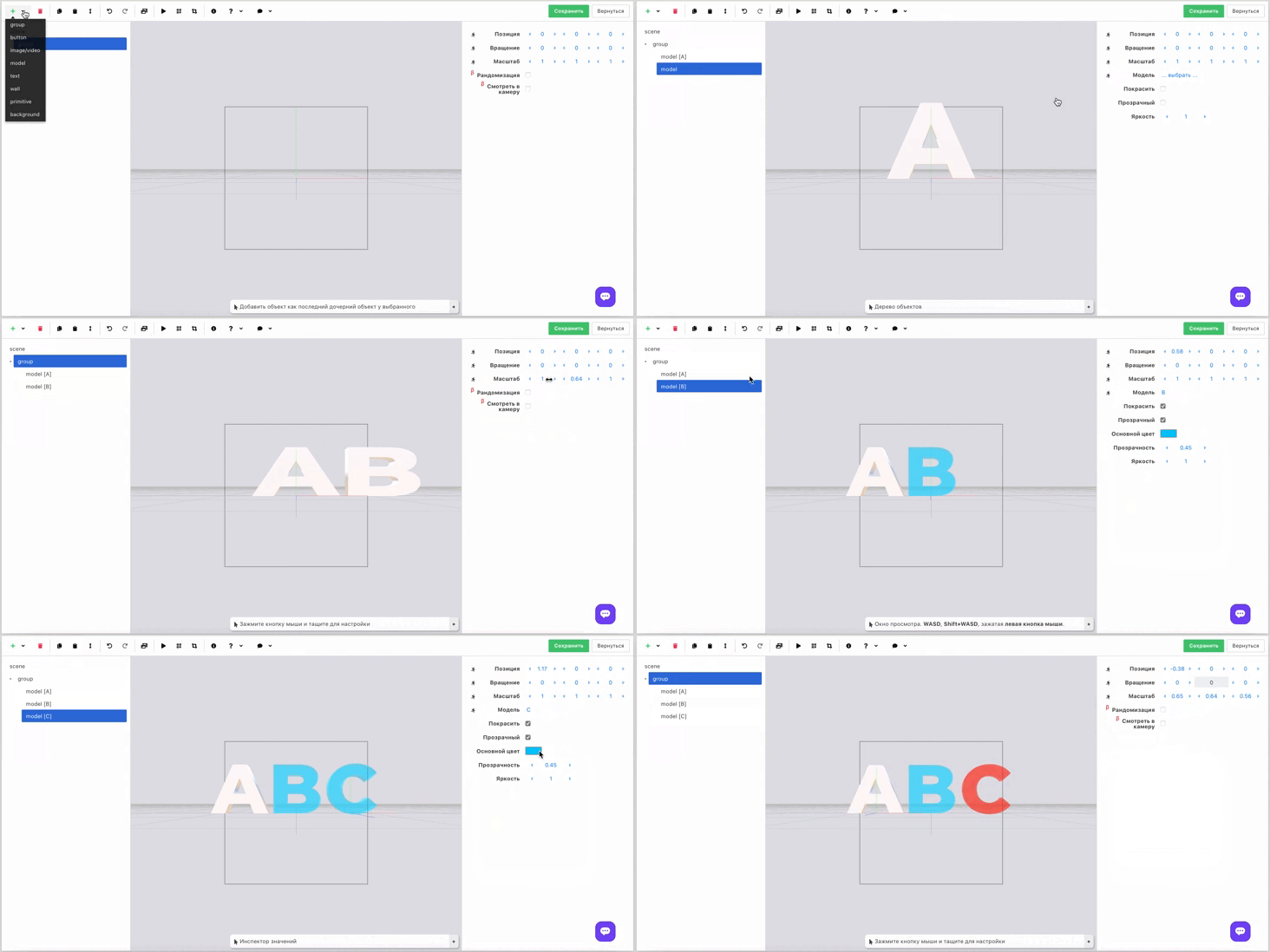
2. Assemble the text from 3D-letters.
Faster and easier to type.
But you can create a group and put the letters inside it.
You can set the necessary properties for text (2D and 3D). Use the settings to customize the text and